Introduction
Hello everyone! I want to share a small side project I have been building for myself: SupaNotes.
It started from a very ordinary frustration. I would copy something, copy something else, and then need the first thing again. Gone. On top of that I had a notes app for quick thoughts, a todo app for small tasks, and a separate flashcard app for learning Japanese. Four apps for four tiny jobs, all of them wanting an account and a cloud.
So I built one app that sits in the menu bar and does all four, and keeps everything on my own machine.
What it looks like
Click the icon in the menu bar and a popover appears. Four tabs: Clipboard, Todos, Notes, Memory.
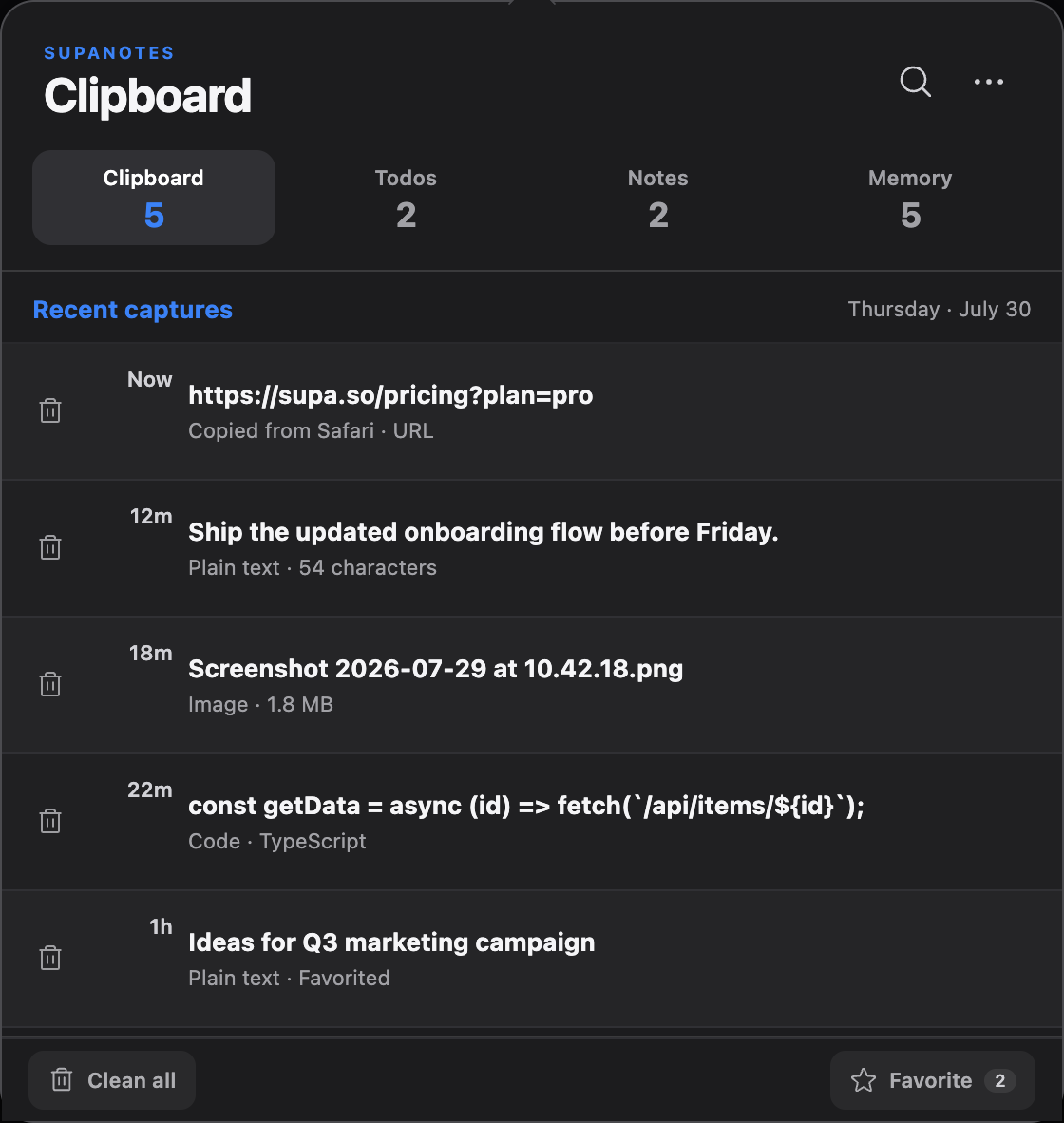
The Clipboard tab is the one I use most. Everything I copy lands there automatically - links, plain text, code, images, even files copied in Finder. Click any entry to copy it back. Star the ones you want to keep. There is a privacy toggle that masks the content of an entry, which matters more than I expected once you realise how much of your clipboard is passwords and tokens.
You choose how much history to keep, anywhere from 10 to 10,000 entries. Older unstarred entries fall off the end so the app never quietly grows without limit.
The learning part
The Memory tab is flashcards with proper spaced repetition (FSRS), which is the reason the app exists at all for me. I am learning Japanese, and I wanted the cards to live next to everything else instead of in yet another app.
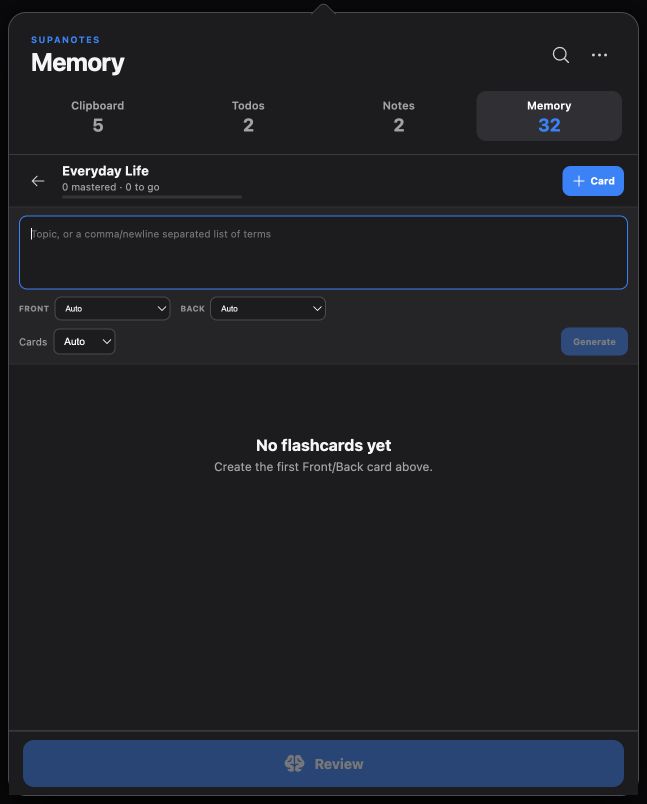
A few things I am happy with here:
- Japanese furigana generated locally, sitting only over the kanji rather than over the whole word
- Chinese pinyin with both tone marks and tone numbers
- Offline voices for English, Vietnamese, Japanese and Chinese. The speech models run on your device, so pronunciation works on a plane
- Export a deck to PDF as printable mini cards - cut along the border, fold, and the answer sits behind the question
Local-first is the whole point
This is the part I care about most. There is no account and no sign-up. Nothing is sent anywhere unless you explicitly turn something on.
Everything stored on disk is encrypted with AES-256-GCM, and the key lives in your operating system's own credential vault - Keychain on macOS, Credential Manager on Windows. Not in a config file next to the data.
If you do want your notes on two machines, sync is optional and goes through your own private GitHub repository, encrypted with a passphrase only you know before it ever leaves the device. I am not running a server, and I do not want to be responsible for your clipboard.
AI features work the same way: they are off until you add your own API key, you choose the provider (OpenAI, Claude, DeepSeek, Gemini, or a local Ollama), and the key goes into the OS vault. Pick Ollama and nothing leaves your machine at all.
A few extras that snuck in
Once the app was there, small things kept getting added because they were suddenly easy:
- Extract text from an image. Right-click a screenshot in the clipboard and pull the text out of it, using the OCR engine already built into macOS and Windows. Nothing to download
- Screen tools in the spirit of ZoomIt - zoom, draw on the screen, and a countdown timer, on global shortcuts. Handy in a meeting
- Sticky notes that pop out of the popover and float on top of everything
Try it
The app runs on macOS and Windows, and it is free.
- Website: supanotes.pages.dev
One honest warning for macOS: the app is not notarized by Apple yet, so the first time you open it macOS will complain that it cannot check the app for malicious software. You will need to allow it in System Settings - Privacy & Security - Open Anyway. Notarization is on the list.
Closing
It is built with Tauri, React and Rust, which is why a fairly capable app is still small and quick to open. It is very much a personal tool that grew, so expect rough edges - but I use it every day, and that has been the best possible way to find them.
If you try it and something annoys you, tell me. The bug report button in the app copies a paste-ready block with the version and your OS, which makes my life much easier than a screenshot.